Android smartphones are great for getting things done, talking to people, and keeping our information safe. This solely depends on the kind of apps we use.
These Android apps can help us work faster, keep our data safe, and help send files to others easily. These apps help in enhancing the user experience on smartphones.
Here are 10 Android apps that are useful in 2026. I will tell you all about these Android apps, what they can do, and how they work:
1. Microsoft 365
Microsoft 365 is a multipurpose app offered by the Microsoft Corporation that allows users to create, edit, and manage different documents, spreadsheets, and presentations from their mobile phones. It combines popular tools like MS Word, MS Excel, and MS PowerPoint into one.
Features:
- Provides access to files from anywhere
- Can enable real-time team collaboration
- Provides integration with onedrive for cloud storage of documents
- User can create and edit Word Documents, Excel spreadsheets and Powerpoint presentations
2. LocalSend
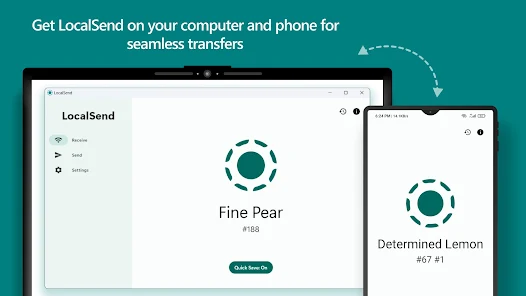
LocalSend is a file sharing app that allows users to transfer files between devices without using the internet. It is designed for fast, secure, and private file transfer. It uses a local Wi-Fi network to connect devices directly. When both devices are connected to the same network, LocalSend detects nearby devices automatically. You can select files such as photos, videos, or documents and send them instantly.
Features:
- Offline file transfer using local Wi-Fi
- Supports Android, Windows, Mac, and iOS
- No cloud storage required
- Secure peer-to-peer connection
3. GitHub Store
The GitHub Store is a place where people can find and install apps that are made by people and are free to use. This is really helpful for people who like to use different apps that are made by developers. People can look at the apps, read what they do, and install them right away. The best part is that these apps are open source, so people can see how they work, and the developers who made them can update them all the time.
Features:
- Access to open-source applications
- Direct downloads from developer repositories
- Regular updates and new app releases
- Transparent and secure app distribution
4. Microsoft Copilot
Microsoft Copilot is a tool that helps people do things like write, look up information, make pictures, and organize their work. The Microsoft Copilot is smart. It knows what people want. People can ask the Microsoft Copilot questions, ask it to tell them about something, make things, or ask it to explain something. When people ask the Microsoft Copilot to do something, it thinks about what they want. Then it gives them the answer away. The Microsoft Copilot is great at helping people get things done. I think the Microsoft Copilot is really good at helping people do what they need to do with the Microsoft Copilot.
Feastures:
- AI chat assistant
- Content generation and writing support
- Research assistance
- Productivity improvement tools
5. Brave Browser
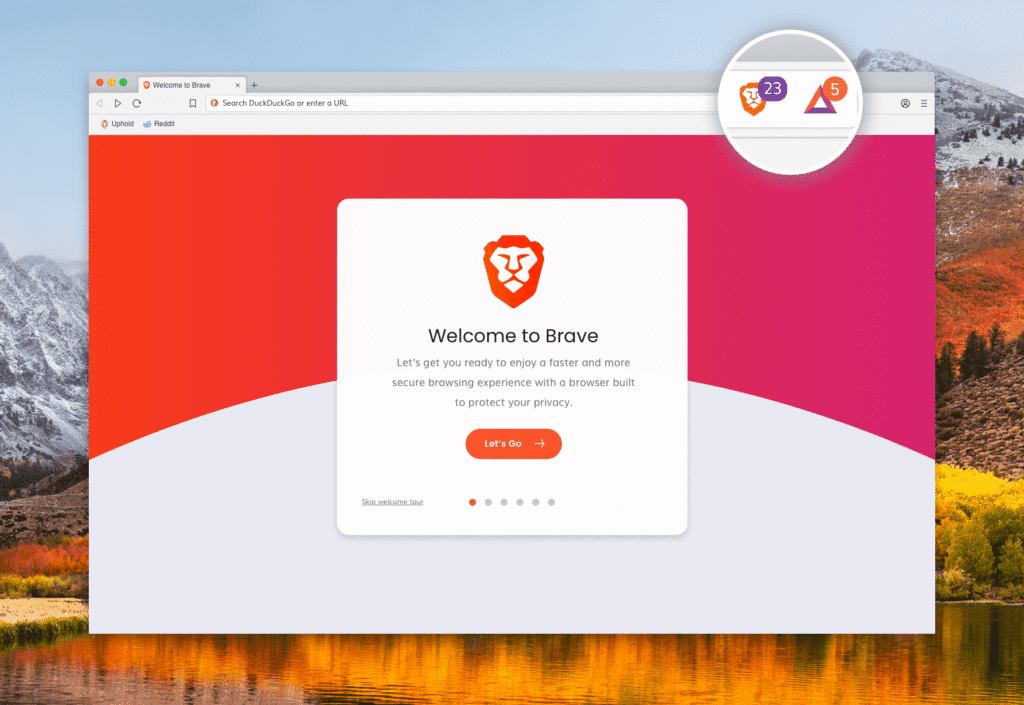
The Brave Browser is a web browser that really looks out for your privacy. It is made to let you browse the internet fast and safely. When you go to a website with the Brave browser, it stops ads and trackers from coming up. This means you use less data, and the websites load faster. The Brave Browser also stops websites from watching what you do, so you have privacy and security when you are online with the Brave Browser.
Features:
- Built-in ad blocker
- Tracker protection
- Faster page loading
- Private browsing mode
6. Zedge
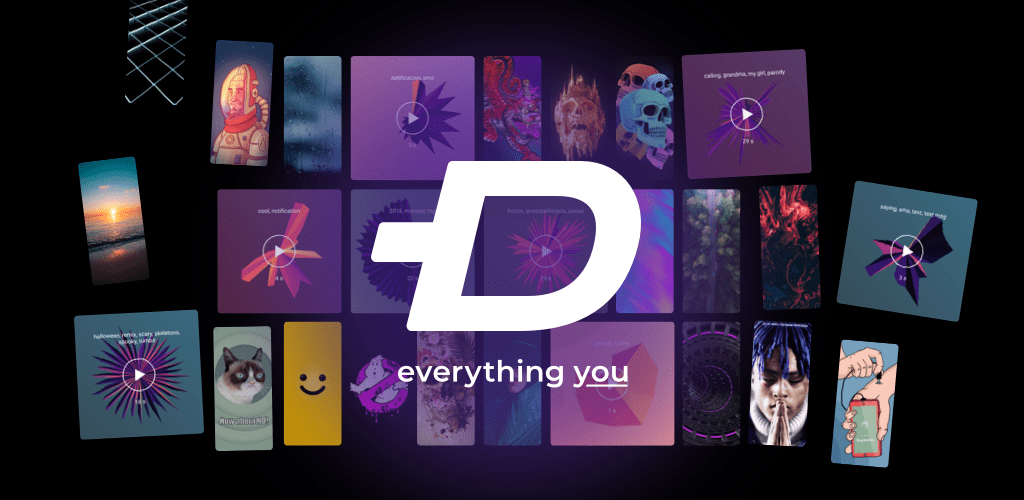
The Zedge is a personal customization app that allows users to personalize their smartphones with wallpapers, ringtones, and notification sounds. It provides a library of downloadable content. Users can browse categories, preview wallpapers or sounds, and apply them directly. Once selected, the app automatically sets the wallpaper or ringtone on the device.
Features:
- Large collection of wallpapers
- Custom ringtone library
- Notification sounds
- Easy customization options
7. Link to Windows
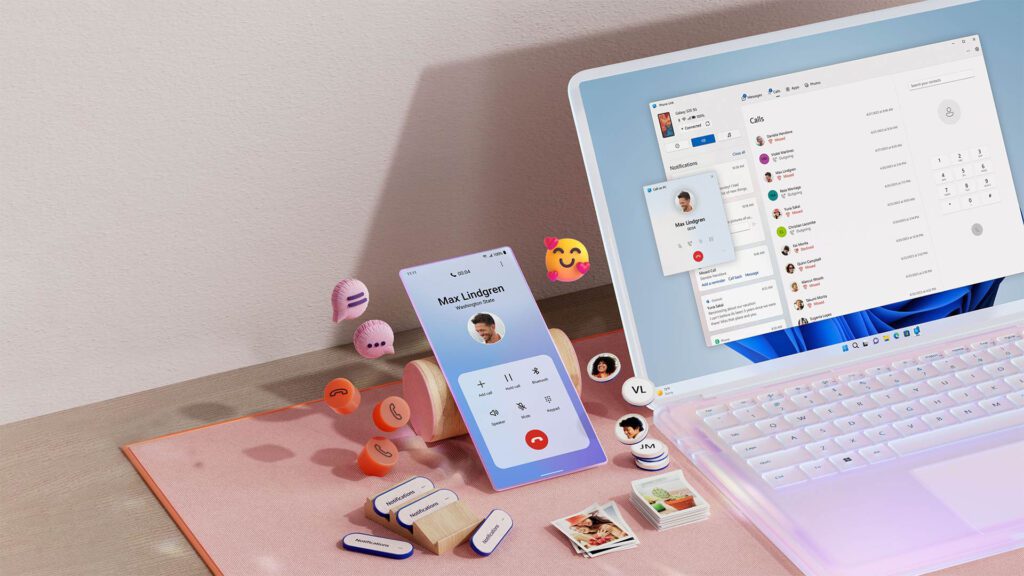
Link to Windows helps you connect your Android smartphone to your Windows computer. This makes it easy to use both devices together. The app links your Android device to a Windows PC with your Microsoft account. When you connect, you can see your phone notifications on your computer. You can also move files between devices. Handle messages right, from your computer.
Features:
- File transfer between phone and PC
- Notification synchronization
- Access messages from a PC.
- Screen mirroring support
8. Clever Type
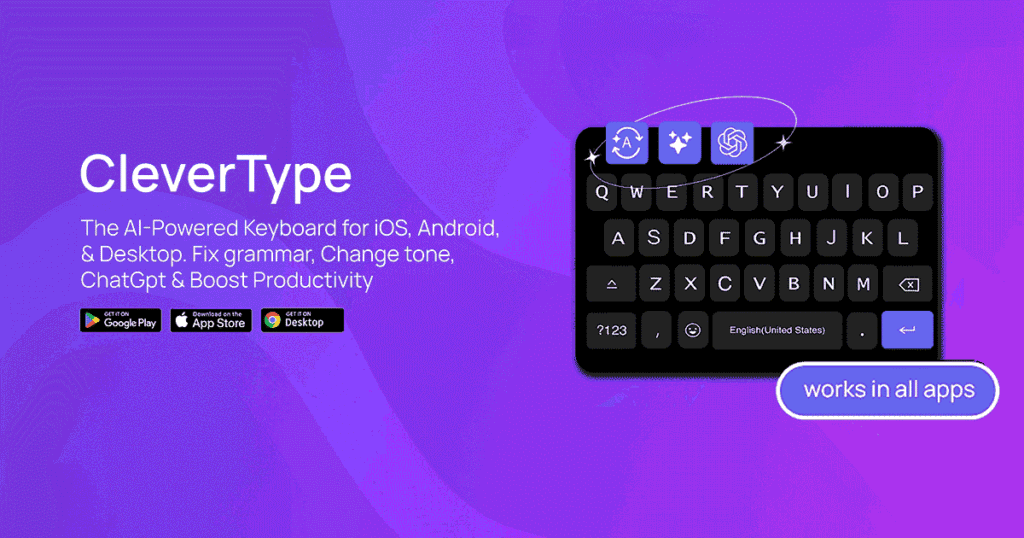
The Clever Type keyboard is really smart. It helps you type faster. You will make fewer mistakes. The Clever Type keyboard watches how you type. It gives you ideas for what you might want to say. The Clever Type keyboard tries to figure out what word you are trying to type. It fixes spelling errors. Makes your writing better by using the Clever Type intelligence. The Clever Type keyboard does all this to make writing easier for you. The Clever Type keyboard is very helpful. It uses the Clever Type intelligence to do this.
Features:
- Smart typing suggestions
- Grammar correction
- AI-based writing assistance
- Personalized typing experience
9. Inshorts
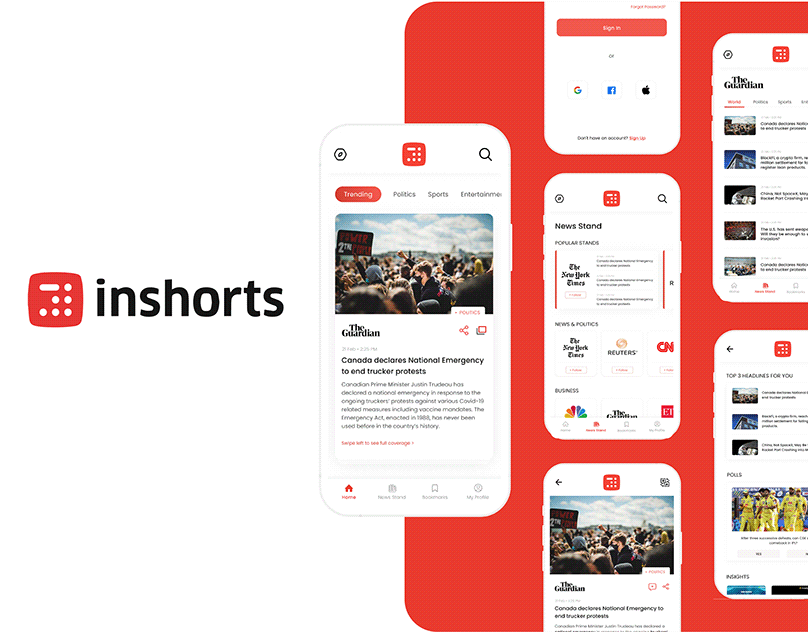
The Inshorts news app is really useful for people who want to know what is going on. It takes news from sources and breaks it down into simple points. You can look at the Inshorts news app. See what is happening really fast. This way you can stay informed about the news without having to read the story. The Inshorts app is great for getting the points of the news quickly.
Features:
- Short news summaries
- Multiple news categories
- Easy navigation
- Regular news updates
10. Mega
MEGA is a secure cloud storage app that allows users to store, share, and back up files with strong encryption. It is widely known for its privacy-focused approach and end-to-end encryption.
Features:
- Secure cloud storage with encryption
- Automatic backup of photos and files
- File sharing with secure links
- Cross-platform access (Android, Windows, iOS, Web)
- Storage management and file organization